


DOOM The Dark Ages HYPERVISOR-P2P
P2P – ONE FTP LINK – TORRENT
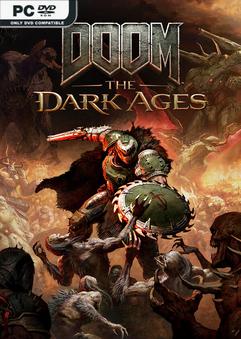
DOOM: The Dark Ages is the prequel to the critically….
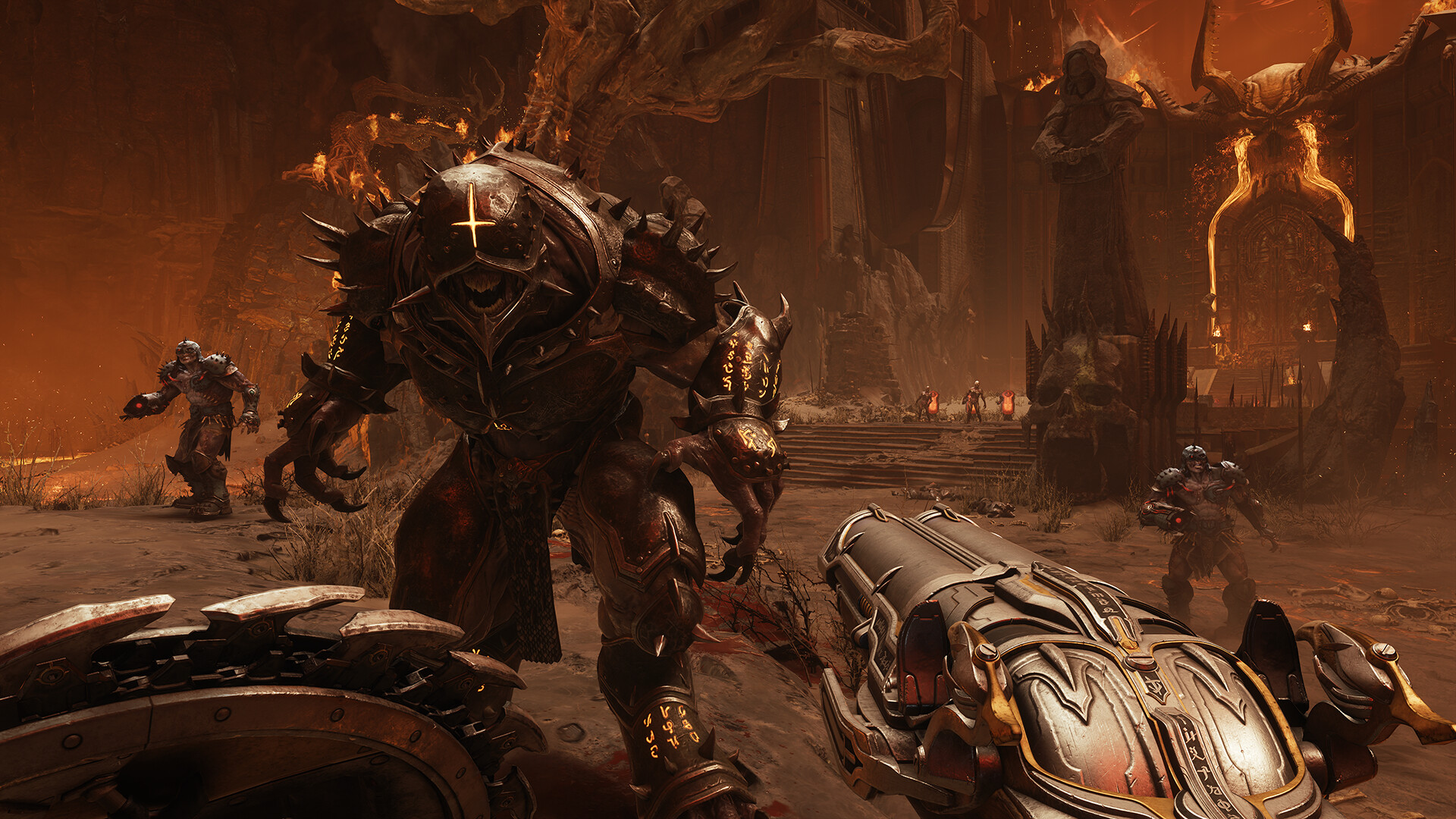
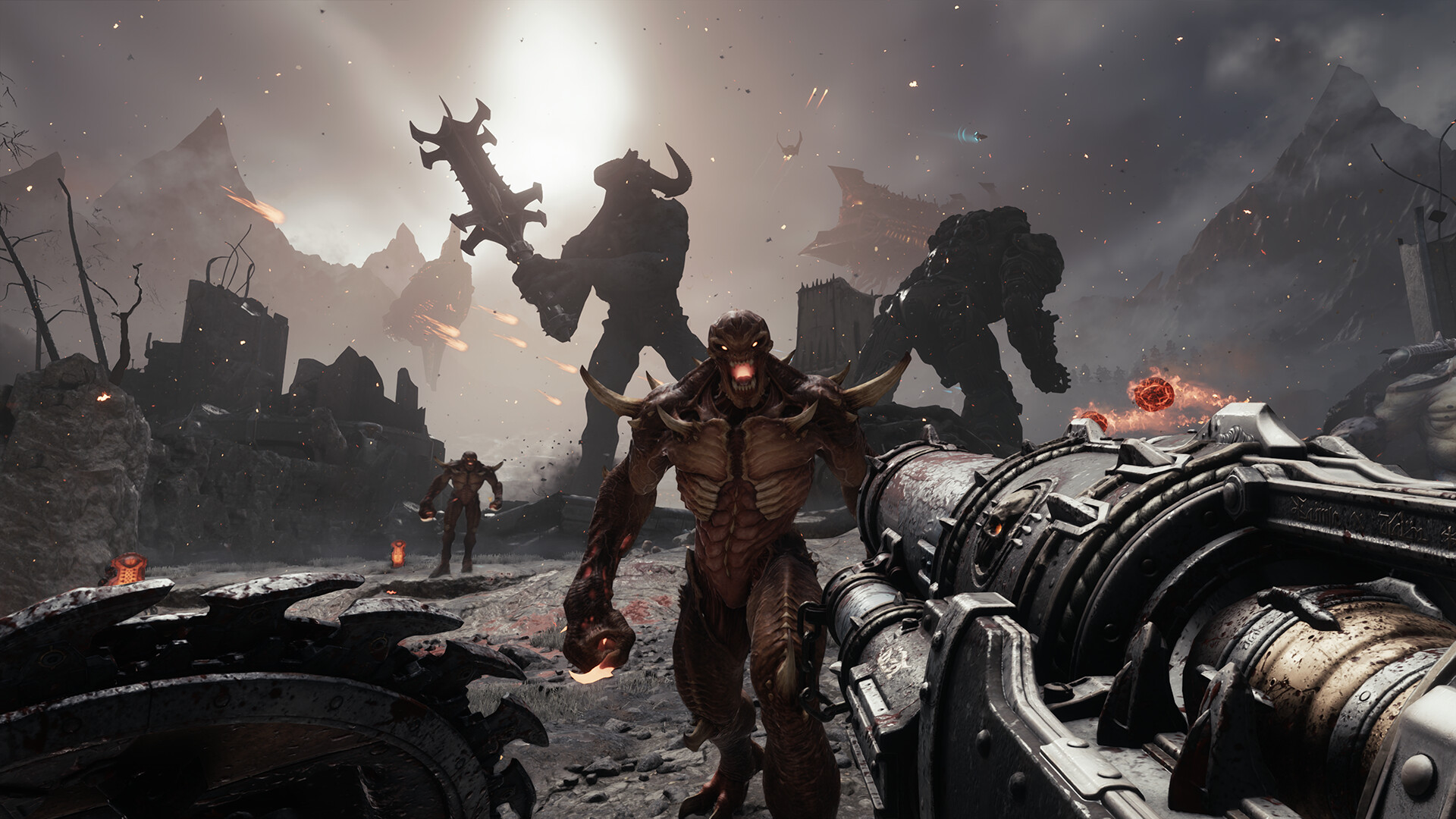
DOOM: The Dark Ages is the prequel to the critically acclaimed DOOM (2016) and DOOM Eternal that tells an epic cinematic story worthy of the DOOM Slayer’s legend. Players will step into the blood-stained boots of the DOOM Slayer, in this never-before-seen dark and sinister medieval war against Hell.
Title: DOOM: The Dark Ages
Genre: Action
Release Date: 14 May, 2025
Support the software developers. BUY IT!
• https://store.steampowered.com/app/3017860/DOOM_The_Dark_Ages/
• Premium Content
• Preorder Content
How To Play [HYPERVISOR]:
1- Download the archive DTDA.HYPERVISOR.B1.0xZeOn
2- Prepare the system to run games using a hypervisor:
⟶ Reboot and enter the BIOS, disable Secure Boot as well as virtualization (VT-x on
Intel, SVM or AMD-V on AMD).
⟶ Boot into the system.
⟶ Run Command Prompt as administrator and enter: bcdedit /set testsigning on
(after reboot, a “test mode” message or similar will appear in the bottom-right of
the desktop—this is normal).
⟶ Run Command Prompt as administrator again and enter:
bcdedit /set hypervisorlaunchtype off
⟶ That’s basically it—the system preparation for running games with this kind of bypass
is complete (this is done once).
3- Inside the downloaded archive, select the folder that matches your processor —
AMD CPUDOOMTheDarkAges or INTEL CPUDOOMTheDarkAges — and copy it along with its
contents into the game’s folder.
4- Run the Command Prompt as administrator and enter the command:
sc create denuvo type=kernel start=demand binPath=C:DriversSimpleSvm.sys
(Make sure to specify the correct path to SimpleSvm.sys for AMD or hyperkd.sys for Intel
These files will be located in the game’s main directory.)
5- In the same Command Prompt, enter the command: sc start denuvo
(After finishing the game, you can enter sc stop denuvo in the Command Prompt to
stop the service.)
6- Launch the game using DOOMTheDarkAges.exe from the game’s main directory.
NOTES:
• We do not advise using this HYPERVISOR method, as it requires disabling certain
security features.
• Use it at your own risk, or wait for a proper release from voice38/RUNE.
• If, after preparing the system, the game still doesn’t launch, the following may help:
Run the command prompt as administrator and enter the command:
bcdedit.exe /set nointegritychecks on
• Disable NX Mode in the BIOS (if your BIOS has this option).
• Also, according to comments from other sources, it became clear that for some people
the game does not start if there is any software installed in the system for using
virtual machines, such as VirtualBox, etc.
DTDA.HYPERVISOR.B1.0xZeOn { Download | Download | Download | Download | Download | Download | Download | Download }
DOOM The Dark Ages HYPERVISOR-P2P
Size: 83 GB
——————————-
ONE FTP LINK
UPTOBOX
1FICHIER
GOFILE
QIWI
MEGA
PIXELDRAIN
USERSCLOUD
TURBOBIT
HITFILE
Enjoy
-
- Requires a 64-bit processor and operating system
- OS: Windows 10 64-Bit / Windows 11 64-Bit
- Processor: AMD Zen 2 or Intel 10th Generation CPU @3.2Ghz with 8 cores / 16 threads or better (examples: AMD Ryzen 7 3700X or better, or Intel Core i7 10700K or better)
- Memory: 16 GB RAM
- Graphics: NVIDIA or AMD hardware Raytracing-capable GPU with 8GB dedicated VRAM or better (examples: NVIDIA RTX 2060 SUPER or better, AMD RX 6600 or better)
- Storage: 100 GB available space
- Additional Notes: 1080p / 60 FPS / Low Quality Settings, NVME SSD storage required
1. Extract
2. Play!


Leave a Reply